




iPhone 16 Pro Case Guide 2026: How to Choose
Your iPhone 16 Pro costs over a thousand dollars to replace, so the right case matters more than it might seem. One drop without protection can crack the screen instantly.
This iPhone 16 Pro case guide walks through the main case types, how to attach one properly, how MagSafe charging works through a case, cleaning tips, and the signs it’s time to replace it. By the end, you’ll know exactly which style fits your budget and your daily habits.
Which iPhone 16 Pro Case Type Fits You
Clear cases with MagSafe let your phone’s original color show through while still guarding against scratches and small drops. They run around 49 dollars from Apple, and the sapphire crystal window works cleanly with the Camera Control button. The tradeoff is yellowing after a year or two of regular use.
Silicone cases with MagSafe feel soft, grip well, and come in plenty of colors, also around 49 dollars. They hold up better against harder drops than clear cases and stay flexible without cracking, though they do collect lint and dust in a pocket.
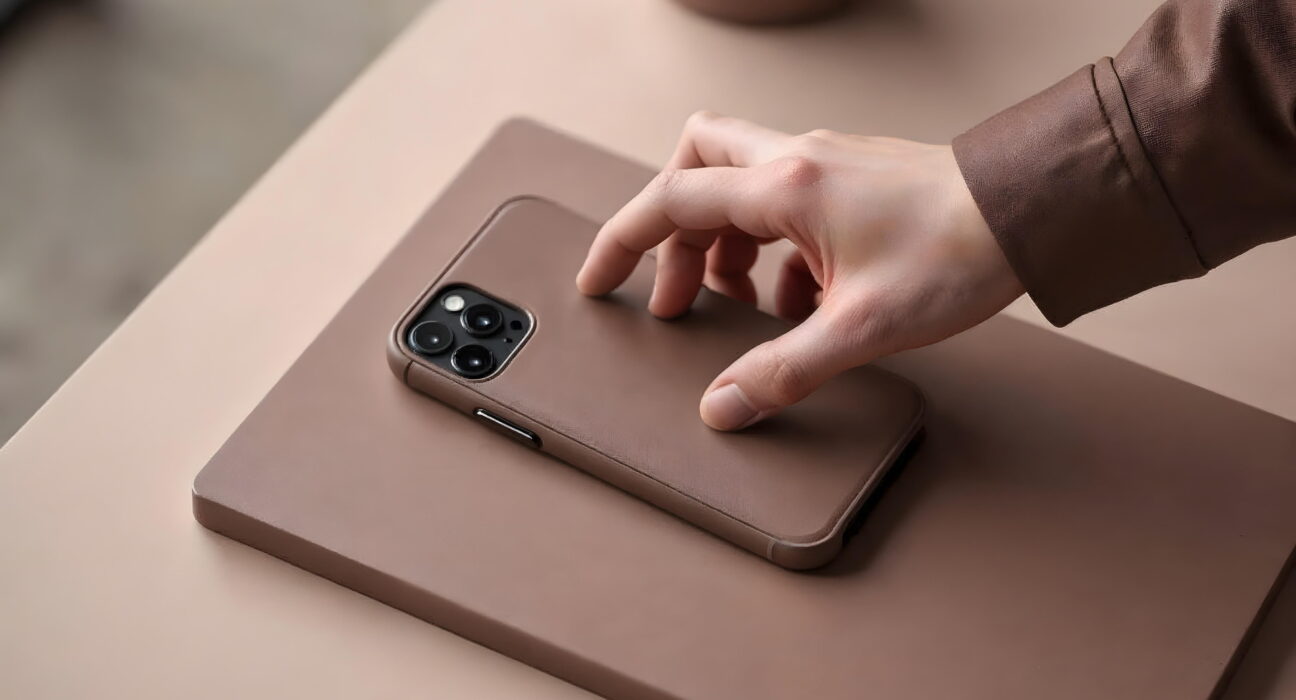
Leather or premium cases look more polished for work settings and sometimes add a card slot. They cost more, develop character over time, and occasionally skip full MagSafe support, so check compatibility before buying one for the charging setup you already use.
Quick pick: choose clear if showing off your phone’s color matters most, silicone if you drop your phone often, and a premium case if you want something that looks professional for meetings. Either way, budget around 50 dollars for a case that actually protects the phone.
How to Attach Your iPhone 16 Pro Case
- Remove any old case from your phone.
- Wipe the phone down with a soft cloth to clear dust.
- Hold the case with the camera cutout facing you.
- Insert the top corner of the phone into the case first.
- Press the bottom corners gently until they snap into place.
- Run a finger around all the edges to check for gaps.
- Press the Camera Control button a few times to confirm it responds.
- Test the volume buttons and power button.
- Check that the charging port is fully open and clear.
- Hold a MagSafe charger nearby to confirm the magnets line up.
Charging Through Your MagSafe Case
Keep the case on during charging. Plug your MagSafe charger into power, then place it against the back of the phone near the magnetic ring. You’ll feel the magnets pull and snap into place, and the screen will light up with the charging symbol. Let it charge without moving it, then pull the charger straight off when you’re done.
MagSafe charges at up to 15 watts, faster than the 7.5 watts you get from a standard Qi charger, though Qi2 chargers work well too. The magnets built into a good case don’t lose strength over time, and MagSafe still works through cases up to 3 millimeters thick.
How to Clean and Care for Your Case
A clean case lasts longer and resists yellowing, especially if it’s clear.
- Remove the case from your phone.
- Mix warm water with a small amount of mild soap.
- Dip a soft cloth in the soapy water and wring out the excess so it’s just damp.
- Wipe the case thoroughly, inside and out.
- Use a soft brush around the button area to clear out dust.
- Rinse with clean water to remove any soap residue.
- Pat dry with a soft towel, then let it air dry for 30 minutes before putting it back on your phone.
Skip harsh chemicals and alcohol-based cleaners, and never run your case through a dishwasher or washing machine. Clean it roughly every two weeks, more often if it’s silicone, since silicone tends to pick up hand oils faster than clear polycarbonate.
When to Replace Your iPhone 16 Pro Case
Watch for these signs that a case has reached the end of its life:
- Cracks or breaks at the corners
- Yellowing on a clear case
- Buttons that feel stiff or unresponsive
- Edges starting to peel away
- Weaker MagSafe magnet grip
- Silicone that has gone hard or brittle
Replace the case right away if you spot cracks. Most cases last one to two years with normal use, though clear cases yellow faster with sun and heat exposure. If you travel often or play sports, keep a backup case on hand.
Final Thoughts
The right iPhone 16 Pro case comes down to what you actually do with your phone every day. Clear if you want to show off the color, silicone if you’re rough on your phone, premium if you want a polished look for work. Whichever you pick, clean it every couple of weeks, keep an eye on the wear signs above, and pair it with a screen protector for full coverage.
Frequently Asked Questions
Will my iPhone 15 Pro case fit the iPhone 16 Pro?
No. The camera bump moved and the buttons shifted position, and Camera Control is a brand new button that didn’t exist on the 15 Pro. A case built for the older model won’t align correctly.
Can I wirelessly charge with any case on?
Most cases under 3 millimeters thick allow standard Qi charging, but MagSafe needs a case with built-in magnets to work properly. Metal cases block wireless charging altogether, so confirm compatibility before buying.
How do I stop my clear case from yellowing?
Keep it out of direct sunlight and extreme heat, and clean it regularly to remove hand oils. Even with good care, most clear cases will yellow somewhat after about two years, which just means it’s time for a new one.
Does Camera Control work through every case?
Only cases built specifically for the iPhone 16 Pro support it, since they use a conductive material that lets your finger reach the button through the case. Cheap or outdated cases will block it.
What’s the best case if I drop my phone a lot?
Silicone holds up better against bigger drops than clear polycarbonate, and a premium case with reinforced corners adds even more cushioning if you’re especially hard on your phone.


