




iPhone 16 Charger Guide: Best Picks for 2026
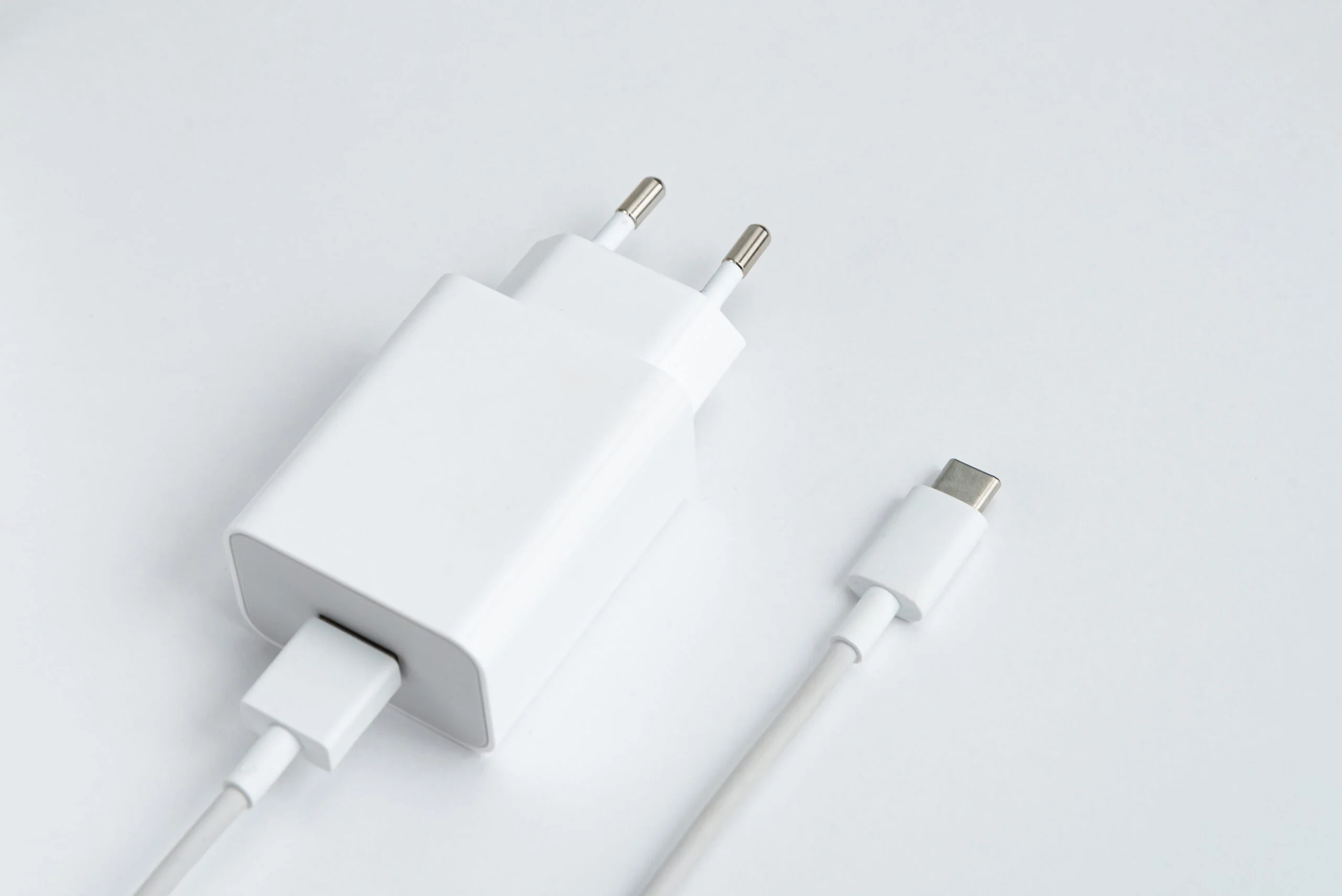
Picking the right iPhone 16 charger makes a real difference in how fast your phone powers up and how long your battery lasts. Apple dropped the Lightning port for good, so this phone only works with USB-C cables now.
Grab the wrong adapter and you could end up with slow charging or a battery that wears out faster than it should. This guide breaks down every charging option in plain terms, covers setup, pricing, and common problems, so you can make a smart choice without any guesswork.
Which iPhone 16 Charger Is Right for You?
Apple sells a few different ways to power up your phone, and the best iPhone 16 charger really comes down to how you use your device day to day. Here are the three main options worth knowing about.
The 20W USB-C Adapter
This is Apple’s basic option and it costs around nineteen dollars. It takes your iPhone from empty to about fifty percent in roughly thirty minutes. It’s a solid pick if you mostly charge overnight or don’t need lightning-fast speed during the day. This adapter is also the cheapest way to get official Apple gear, and it works fine for topping up small devices too.
The 40W Dual Port Adapter
At around thirty-nine dollars, this one lets you charge your iPhone and your AirPods or Apple Watch at the same time. It folds flat, so it travels well, and it automatically splits power between whatever you plug in. Many buyers see this as the best all-around value since it covers more than one device without taking up extra outlet space.
MagSafe Wireless Charger
MagSafe snaps onto the back of your iPhone 16 using built-in magnets, so there’s no cable to plug in each night. It costs about thirty-nine dollars and charges at up to fifteen watts, which is a bit slower than wired options but much more convenient. Your charging port stays free of daily wear since nothing plugs directly into the phone.
If you’re still unsure which iPhone 16 charger fits your life, think about your routine. Charge overnight and want to save money? Go with the 20W adapter. Need speed and own other Apple gear? The 40W adapter is worth the extra cost. Want a cable-free setup on your nightstand or desk? MagSafe is the easiest choice.
How Charging Changed From Older iPhones
If you’re coming from an iPhone with a Lightning port, this is the biggest shift you’ll notice. Apple moved every iPhone 16 model to USB-C, matching the same connector used on most laptops, tablets, and Android phones.
This means one cable can now handle your phone, your iPad, and often your laptop too, which cuts down on the number of cords you need to pack. Old Lightning bricks and cables will not physically plug into the new port, so a fresh charger is a must for anyone upgrading.
How to Set Up USB-C Charging on Your iPhone 16
Getting your charger working properly only takes a few simple steps.
Step 1: Check your cable. Use a USB-C to USB-C cable that supports at least twenty watts. Cheap, unbranded cables sometimes charge slowly or wear out fast, so stick with a trusted brand.
Step 2: Plug in the adapter. Push the adapter fully into a wall outlet. Don’t force it if the prongs don’t line up, since that can damage both the outlet and the plug.
Step 3: Connect the cable to the adapter. You should feel a light click when the cable seats correctly. If it feels loose, try a different cable or a different port.
Step 4: Plug into your phone. The USB-C port sits at the bottom edge of your iPhone 16. Within a few seconds, you’ll see the charging icon appear on the screen.
Step 5: Let it charge. Your phone fills up quickly to around fifty percent, then slows down on purpose. This protects the battery over the long run, so don’t worry if the last stretch takes a while to finish.
How to Use MagSafe on Your iPhone 16
Wireless charging feels simple once you know the setup.
Step 1: Buy an official MagSafe charger and plug it into a USB-C adapter rated at twenty watts or higher for the best speed.
Step 2: Take off thick phone cases before you start. MagSafe works fine through thin, official Apple cases, but bulky wallet cases can block the magnetic connection.
Step 3: Set your phone on the pad. The magnets should pull it into place with a small snap, and you’ll see a charging animation appear on the lock screen.
Step 4: Check the battery icon to confirm it’s charging. MagSafe tops out at fifteen watts on the iPhone 16, so it’s slower than a cable but far more convenient for everyday use around the house.
Cable Length: Does It Matter?
Apple sells its USB-C cables in one-meter and two-meter lengths, priced at nineteen and twenty-nine dollars. A longer cable gives you more room to use your phone while it charges, which is handy near a bed or couch. A shorter cable is easier to pack for travel and less likely to tangle in a bag. Pick based on where you charge most often, whether that’s your nightstand, a desk, or a suitcase on the go.
Are Third-Party Chargers Safe?
You don’t have to buy Apple-branded gear to charge your iPhone 16 safely. Look for adapters and cables that carry MFi certification, which means Apple tested them for compatibility, or at minimum a UL safety rating. Reputable brands like Anker and Belkin sell twenty- and forty-watt options that perform close to Apple’s own adapters, often for less money. Skip unbranded, ultra-cheap cables from unknown sellers, since these are the most common cause of slow charging and overheating complaints.
A good third-party iPhone 16 charger can even beat Apple’s own pricing while still meeting the same safety standards, so it’s worth comparing a few options before you buy.
Where to Buy Your iPhone 16 Charger
You can buy directly from Apple’s online store or a physical Apple Store if you want the simplest option. Big retailers like Best Buy, Target, and Amazon also stock the same official adapters, often at similar prices, along with certified third-party brands. If you’re shopping in person, check the box for a USB-C symbol and a listed wattage before you check out, since some older stock still sits on shelves next to newer models.
Common Charging Problems and Fixes
- Charging seems slow. Double-check your adapter is rated for at least twenty watts. Old or damaged cables are a common culprit too, so swap in a new one to test the connection.
- MagSafe won’t stick. Remove your case and wipe down the back of your phone with a soft cloth. Dust or a thick case can block the magnetic connection from forming properly.
- Charging stops and starts. This usually points to a damaged cable or an overheating adapter. Unplug everything, let it cool for about ten minutes, and try again with a different cable if the issue continues.
Final Thoughts
Choosing the right iPhone 16 charger doesn’t need to be complicated. Think about your budget, how many devices you need to power, and whether you prefer a cable or a wireless setup. Any of the options above will keep your phone running well, as long as you stick to at least twenty watts and a cable or adapter you trust. Once you find the iPhone 16 charger that matches your routine, setup takes just a few minutes and you’re ready to go.
Frequently Asked Questions
Does the iPhone 16 come with a charger in the box?
No. Apple only includes a USB-C cable in the box. You’ll need to buy the power adapter on its own from Apple or another retailer.
Can I use my old iPhone charger with the iPhone 16?
Only if it’s USB-C. Older Lightning cables and bricks won’t physically fit the new port, so you’ll need to switch cable types.
What wattage should my iPhone 16 charger be?
Apple recommends at least 20 watts for solid charging speed. Adapters rated between 20 and 40 watts cover most needs without any risk to your battery.
Does the iPhone 16 work with any wireless charging pad?
Yes, it supports the Qi standard, so most wireless pads will work. MagSafe is faster and aligns better thanks to its built-in magnets.
How much does an iPhone 16 charger cost?
Prices start around nineteen dollars for the basic 20W adapter and go up to about thirty-nine dollars for MagSafe or the dual-port option.


